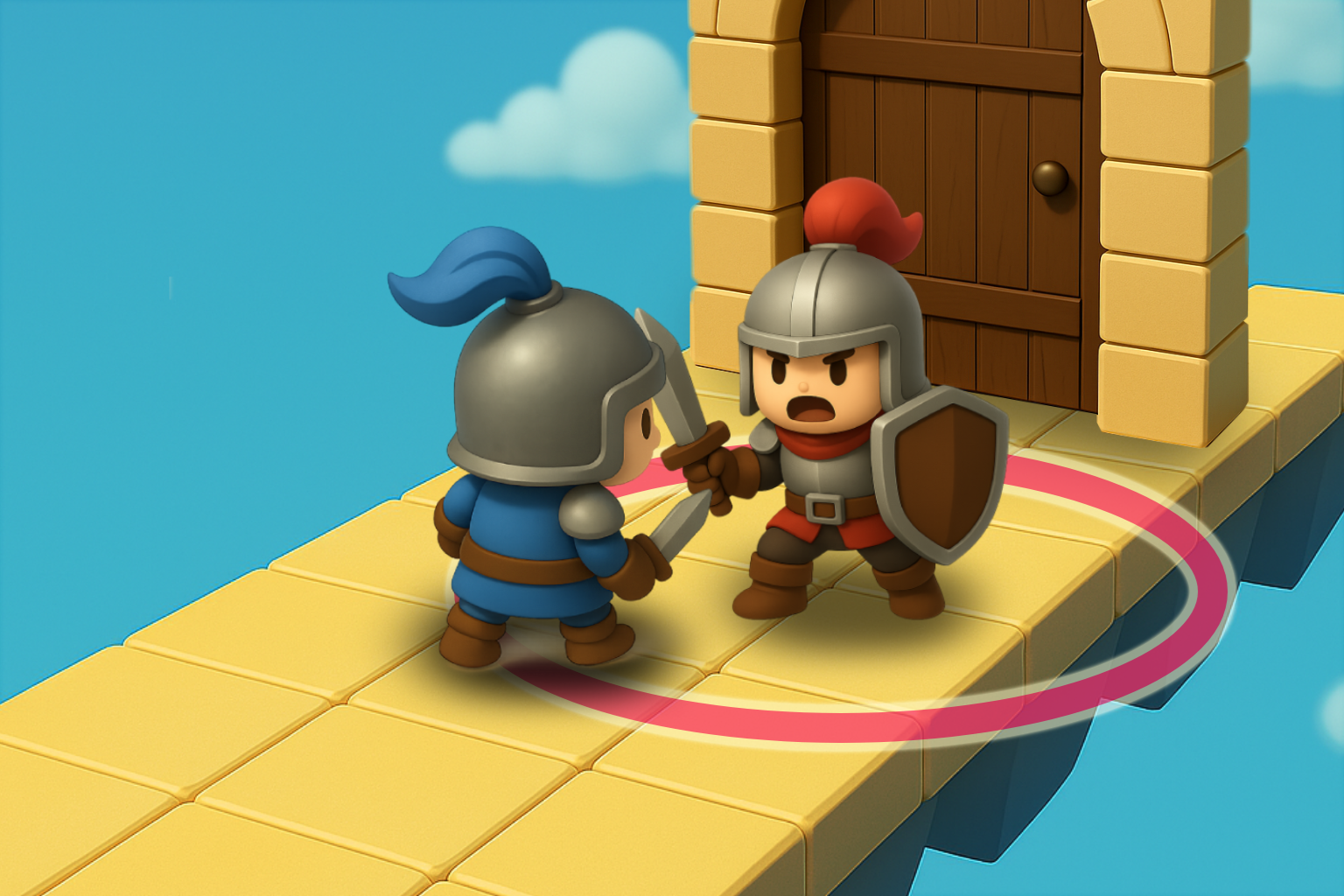
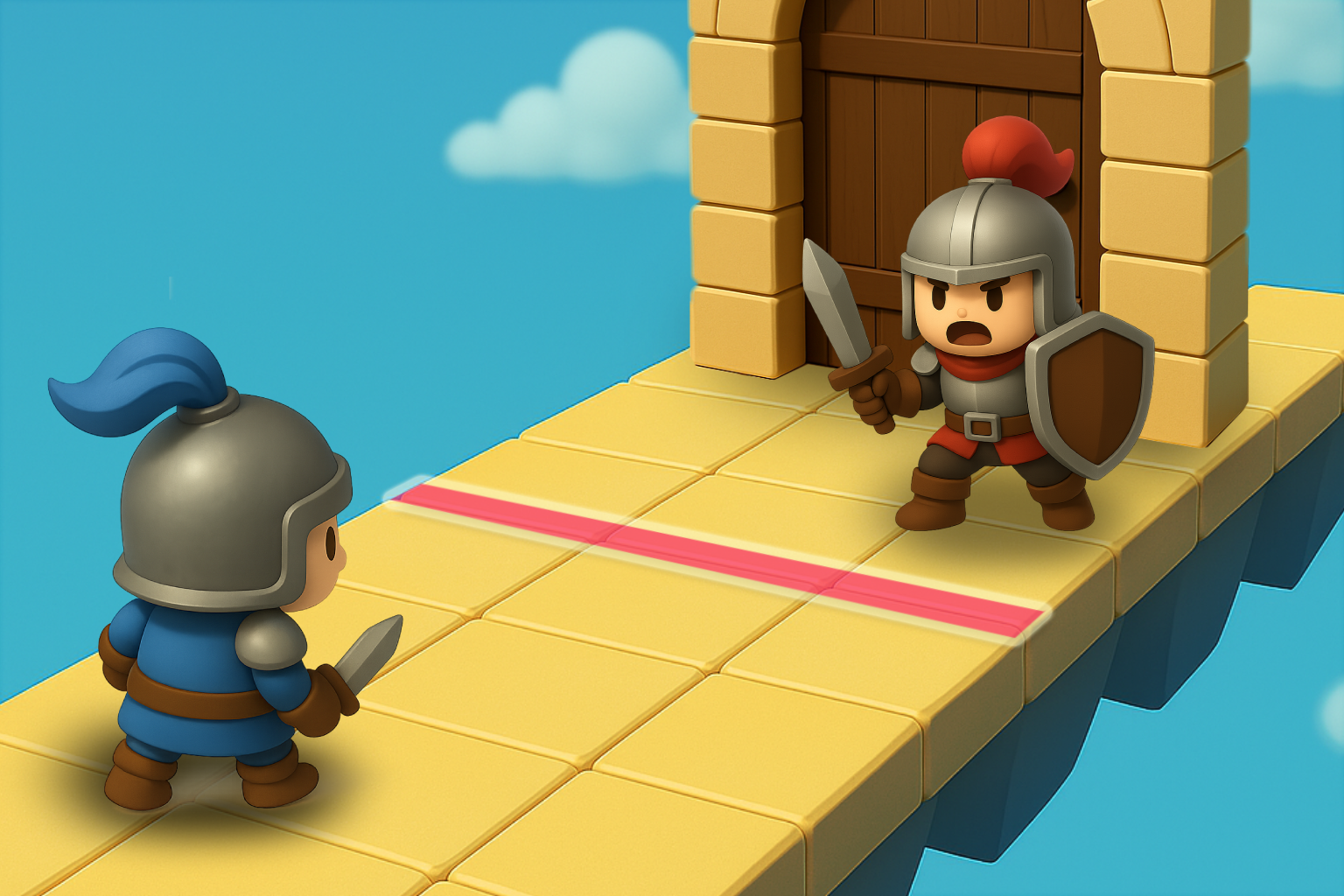
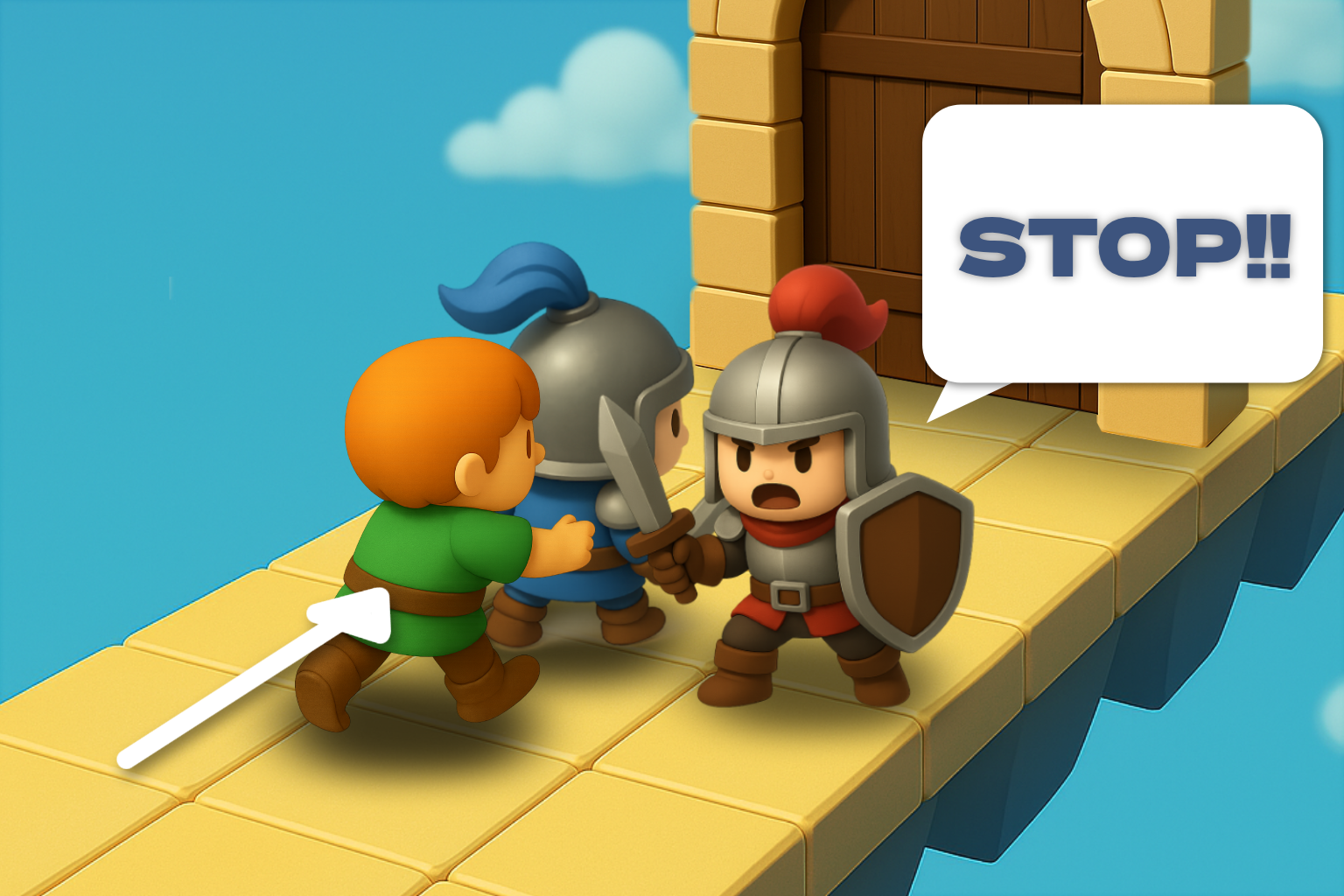
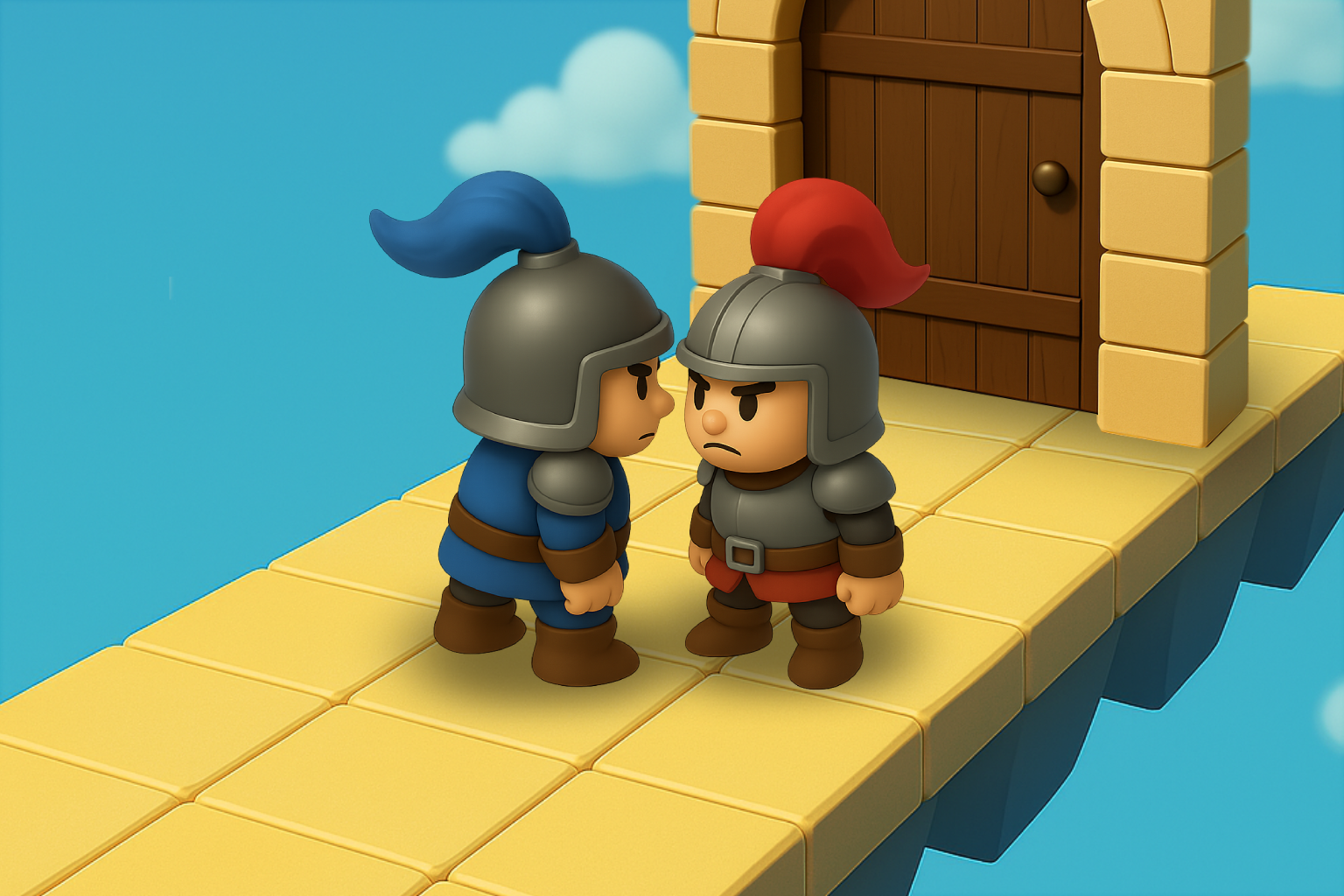
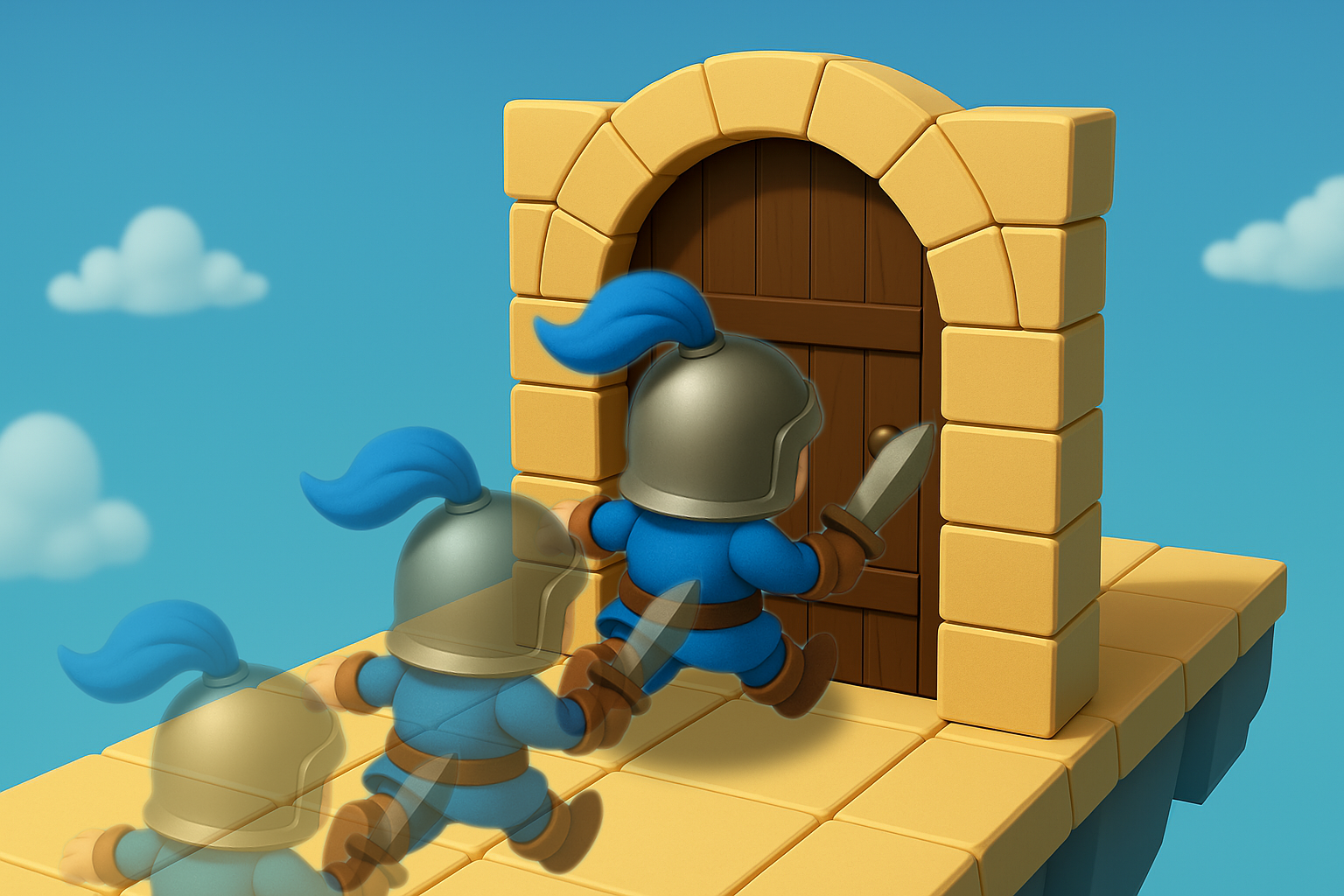
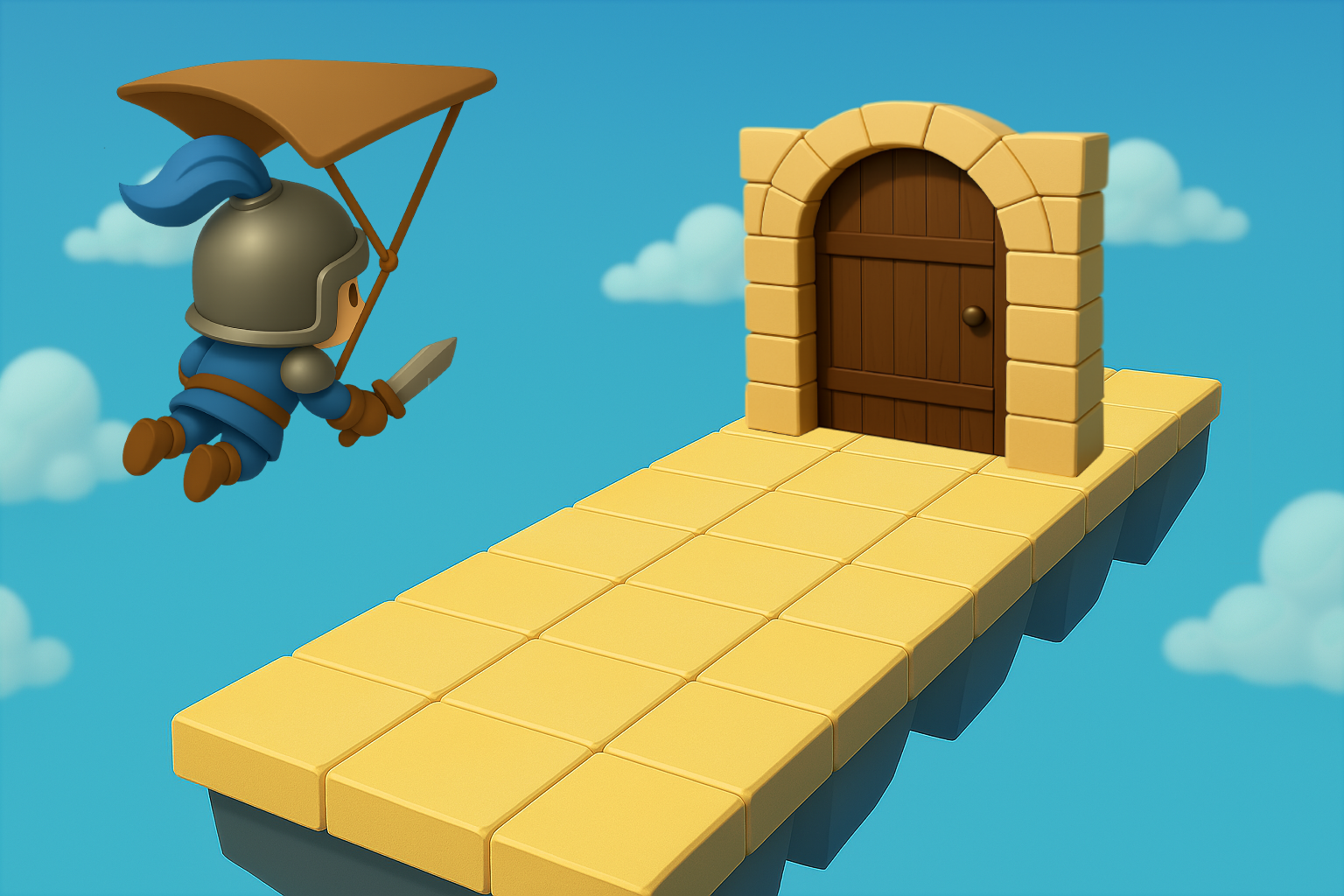
When the user gets close enough to the gatekeeper, the event begins
Event Trigger (Line)
The event begins when the user crosses the trigger line
Ways to Avoid the Approaching Gatekeeper
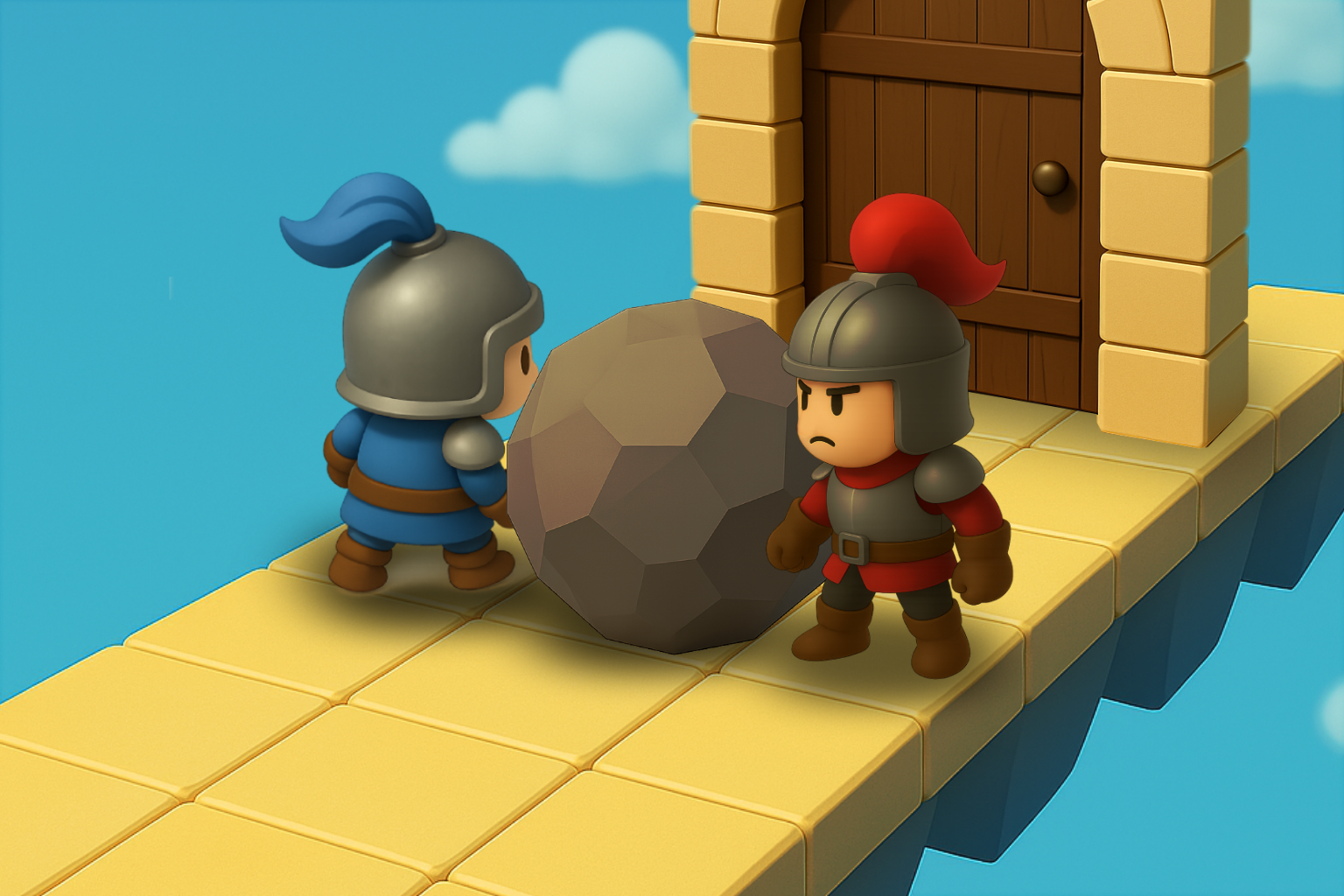
Avoiding with Obstacles
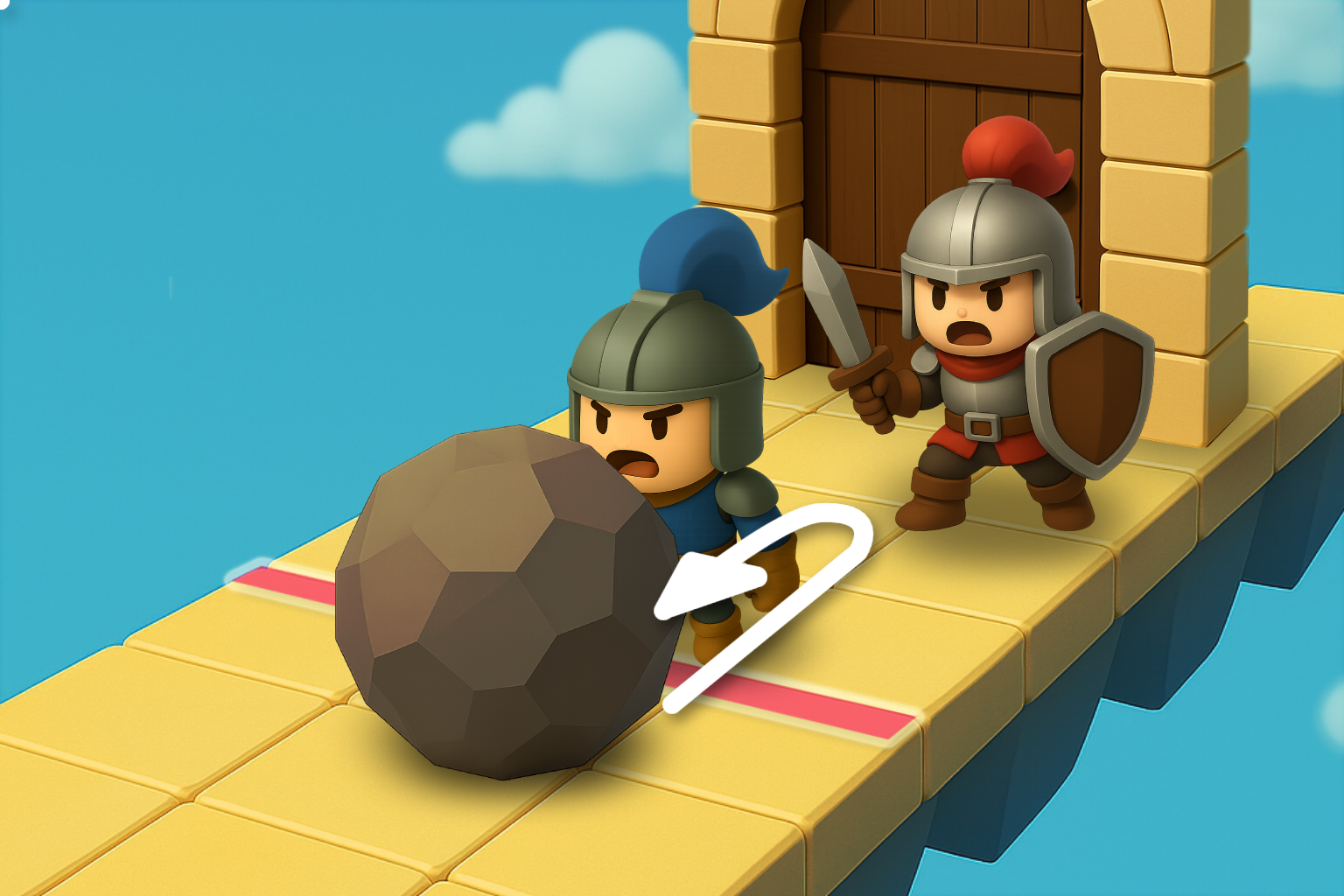
Place NPCs or objects between the user and the gatekeeper to prevent contact
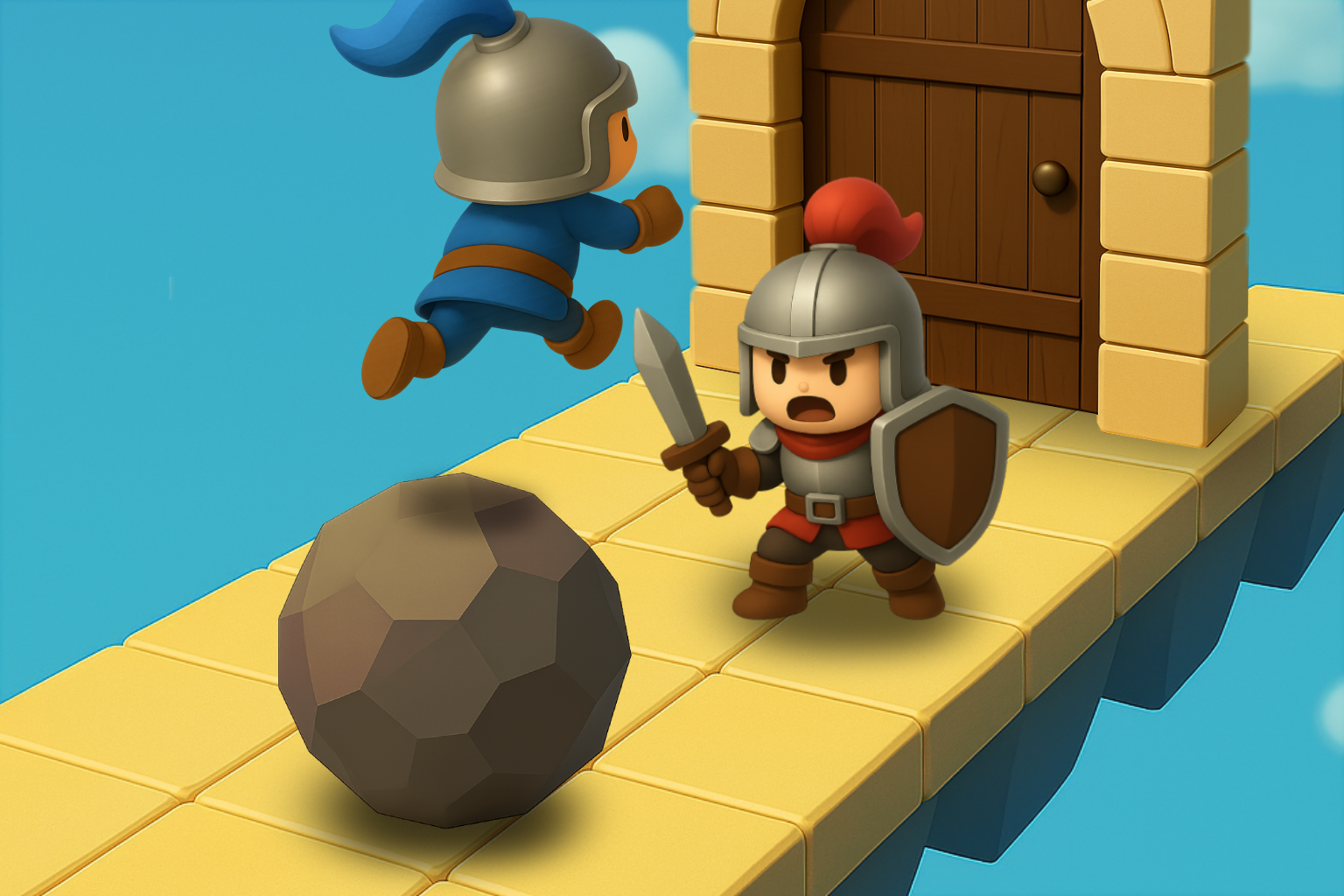
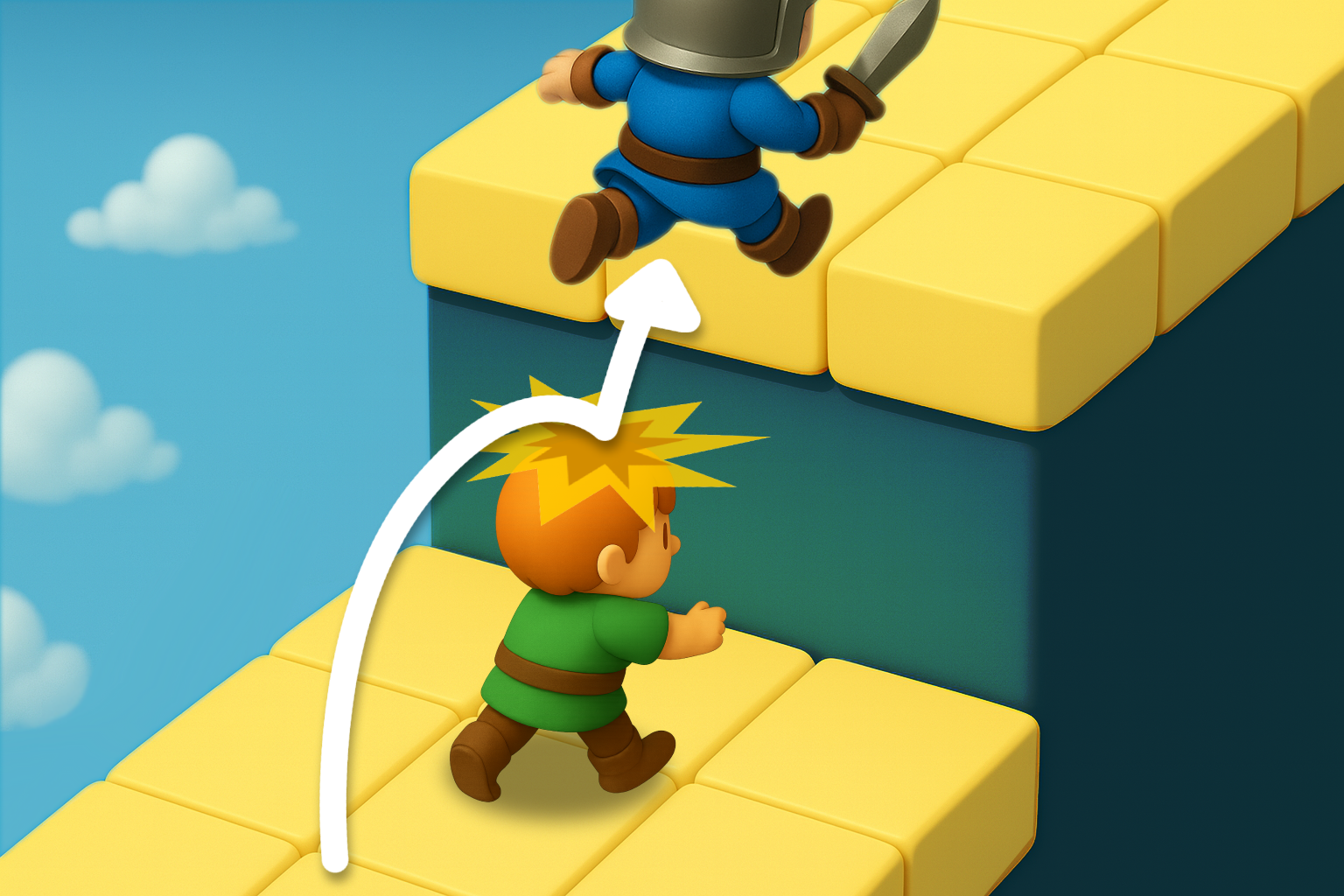
Avoiding with Height Differences
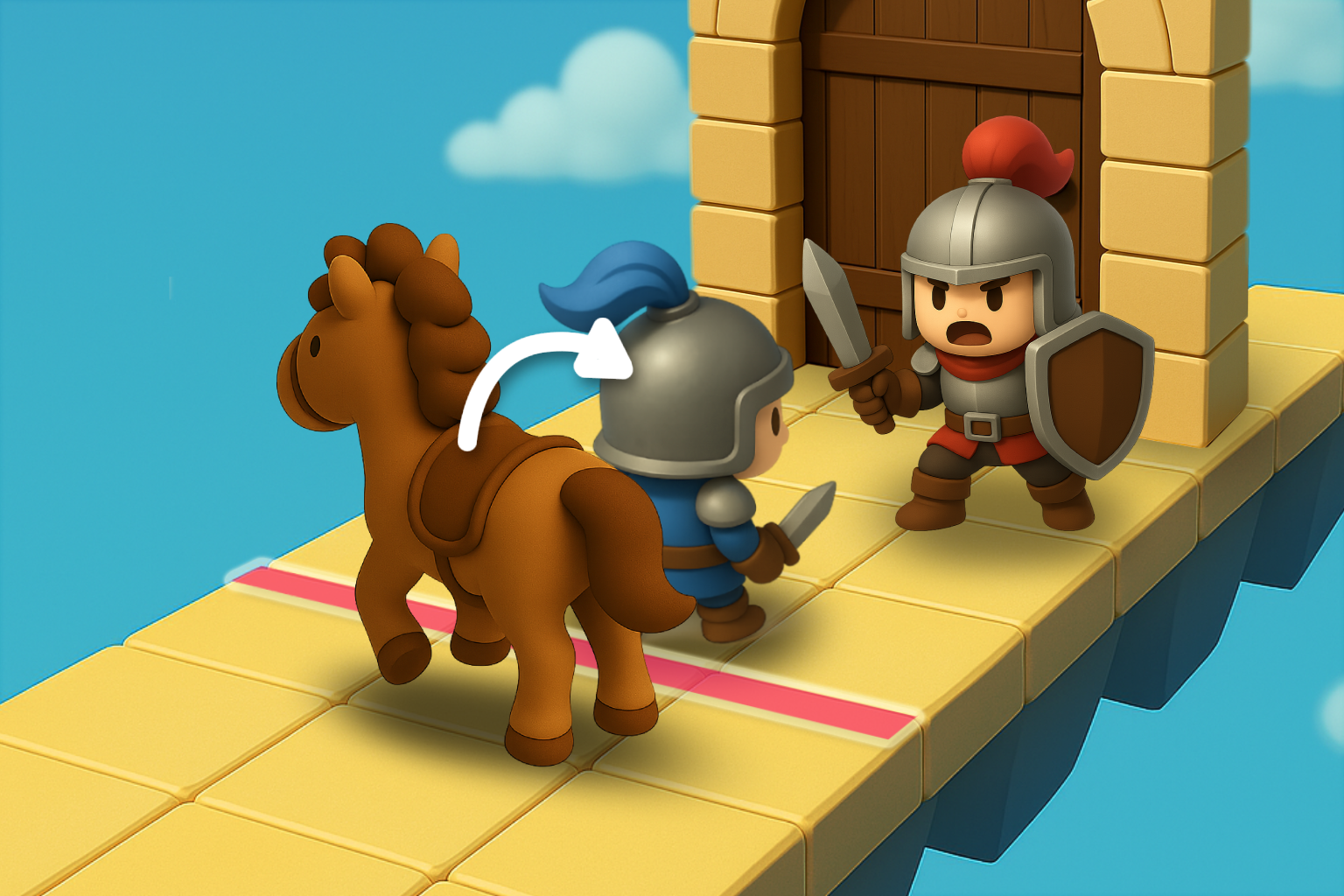
Use platforms or terrain to jump over the gatekeeper and avoid contact
Advancing Deeper by External Force
Forward Movement by External Force
During the gatekeeper’s blocking dialogue, the player is pushed by an NPC or object and moves deeper into the area
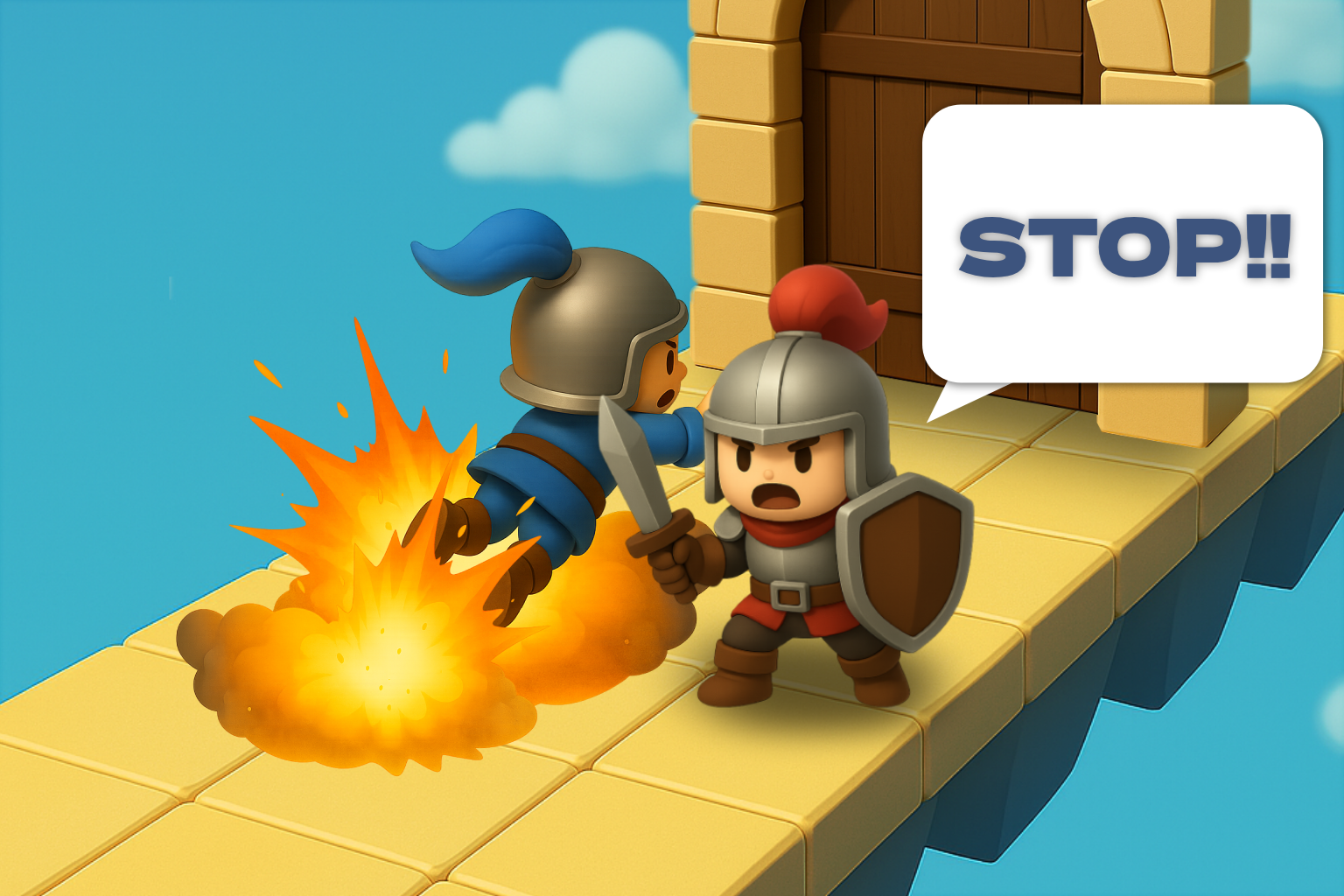
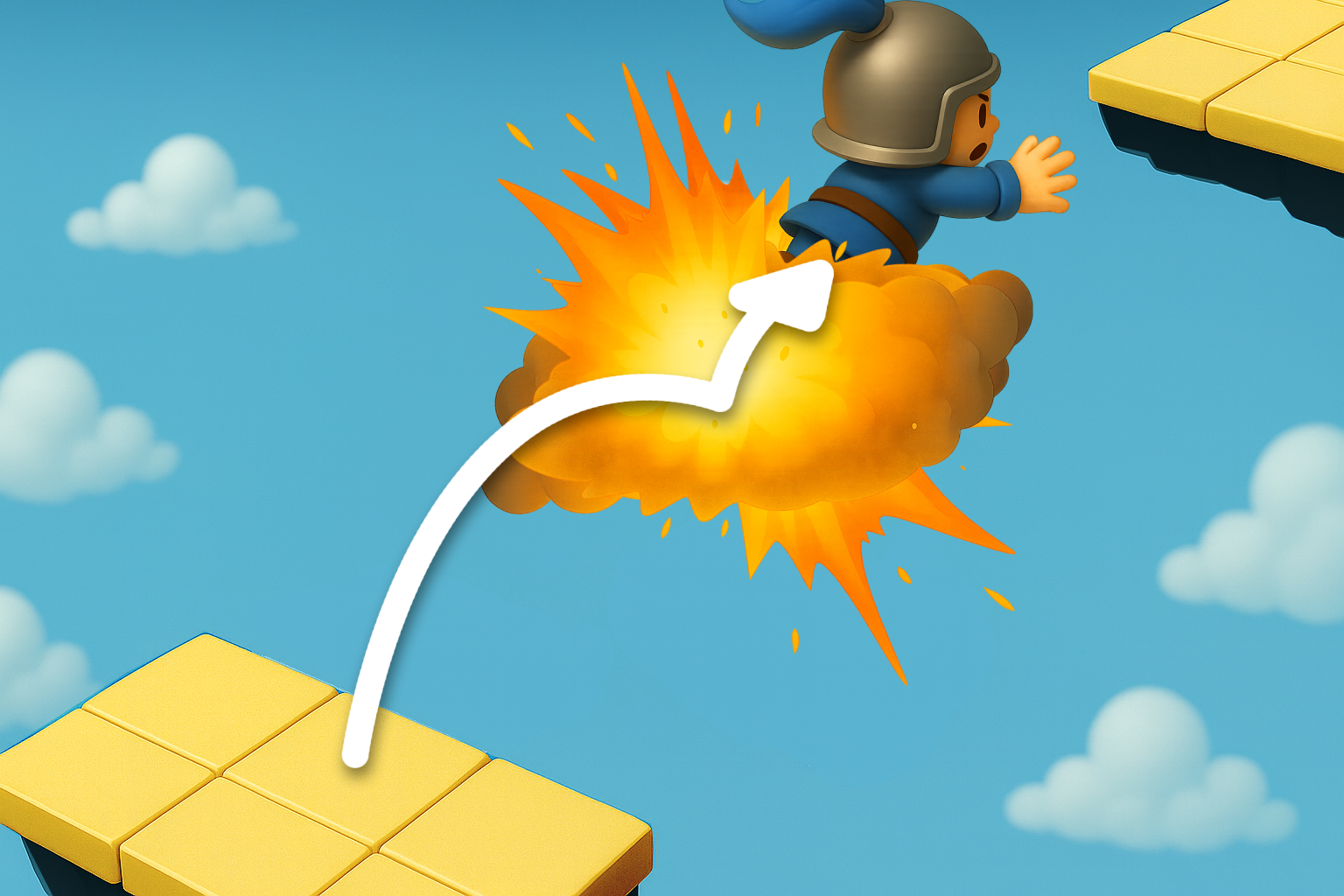
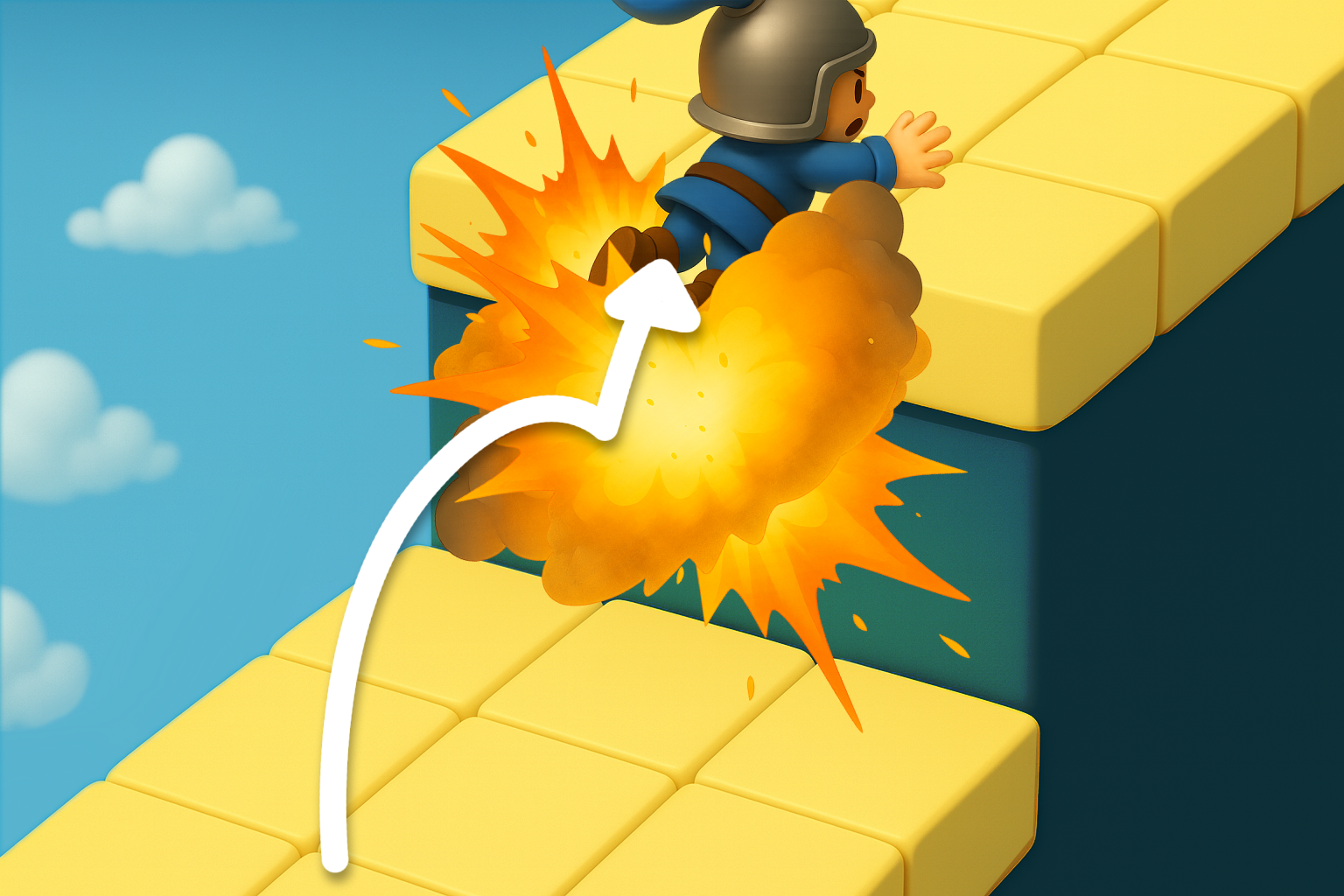
Position Shift from Damage
During the gatekeeper’s blocking dialogue, the player is blown away by an explosion or attack and enters deeper into the area
How to Cross the Trigger Line
Prevent Forced Movement
Place NPCs or objects at the pushback position (reset point)
to prevent returning from the opposite side of the trigger line and remain there
Avoid Trigger by Dismounting
If the player dismounts while crossing the trigger line, the event may not start
Other Methods
Passing Through by Repeated Input
Even if the player is stopped by the gatekeeper, repeatedly inputting movement
may allow gradual progression inward due to collision detection errors
🧩 Movement Ignoring the Intended Route
Terrain Normally Out of Reach
Terrain Beyond Reach (Distance)
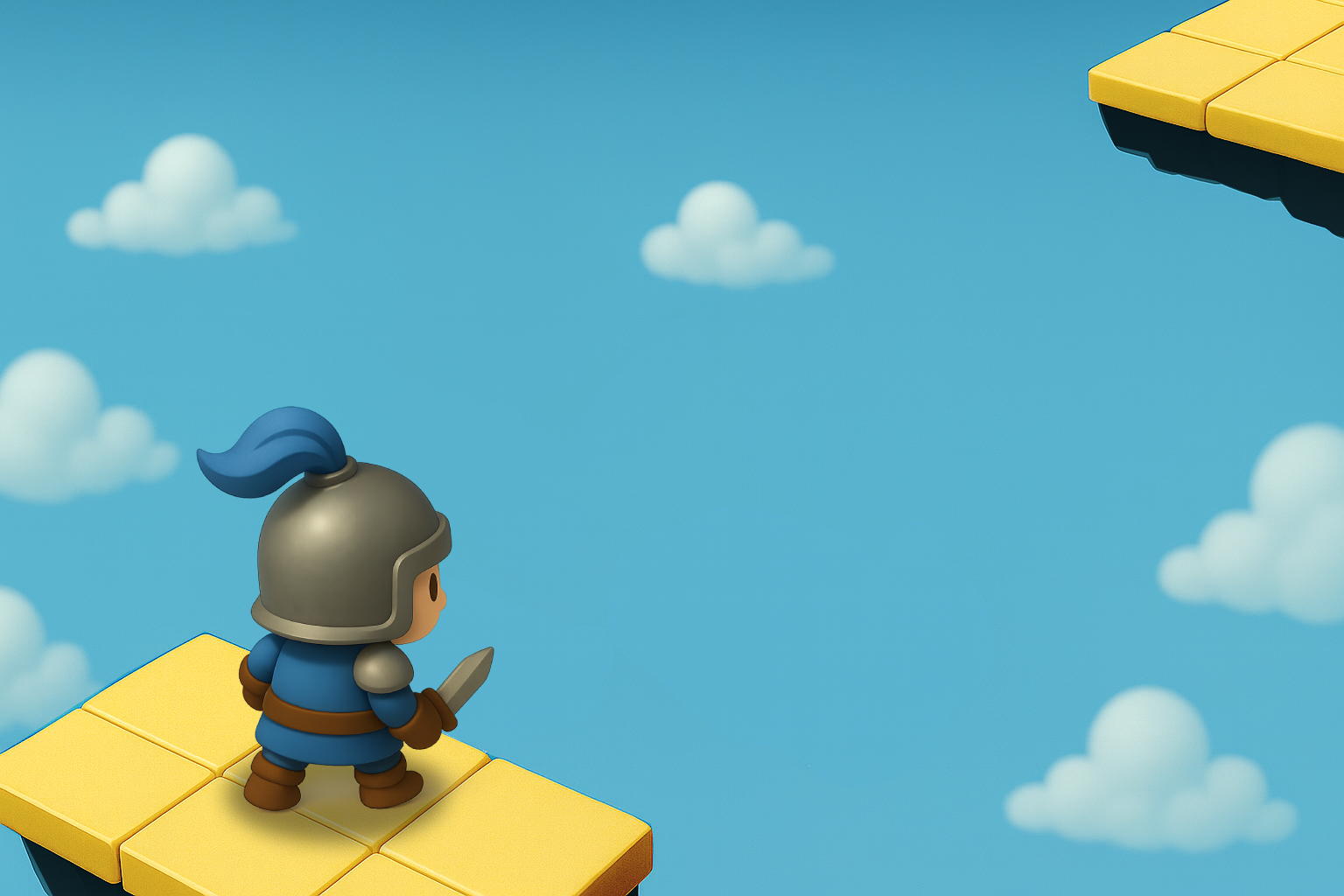
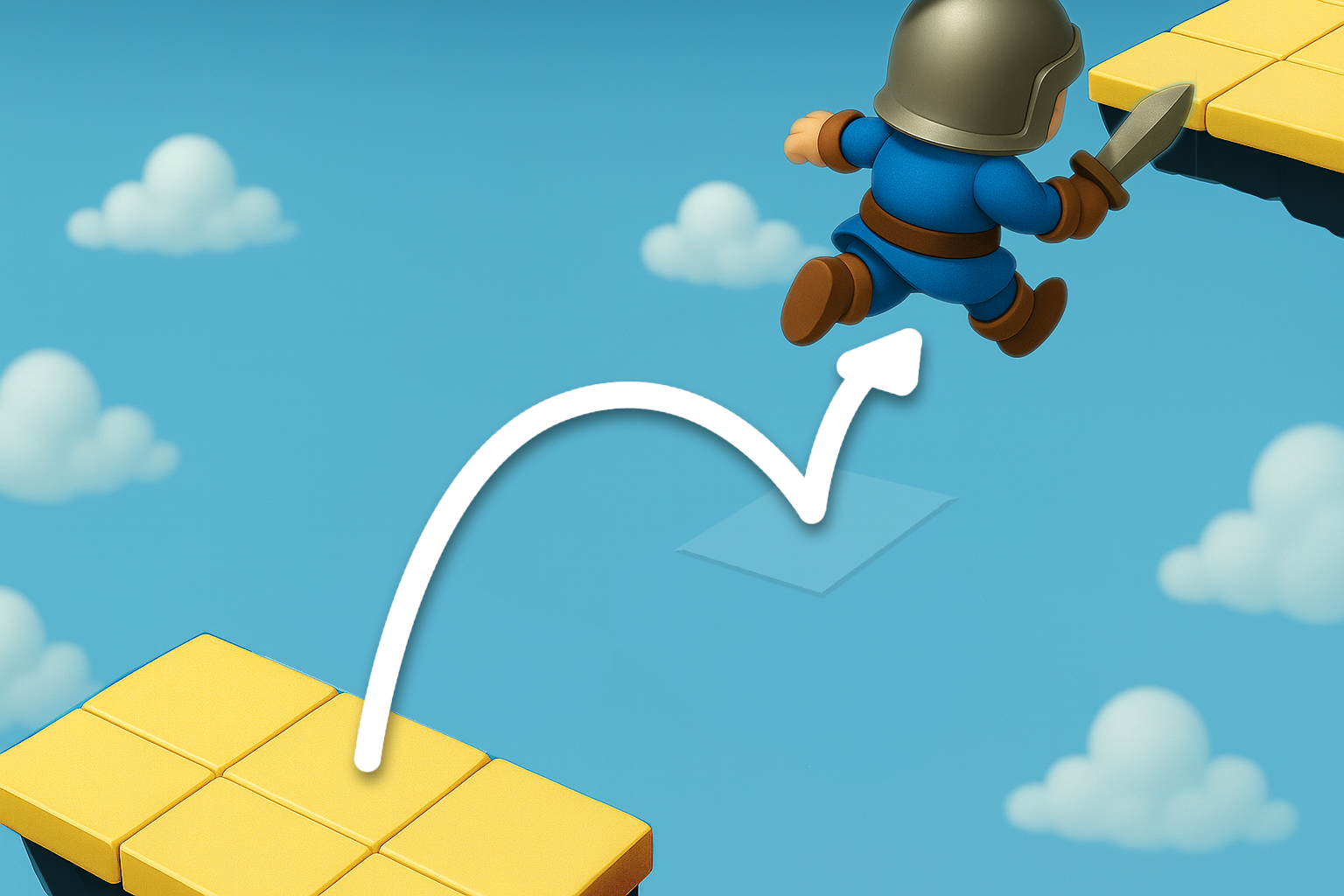
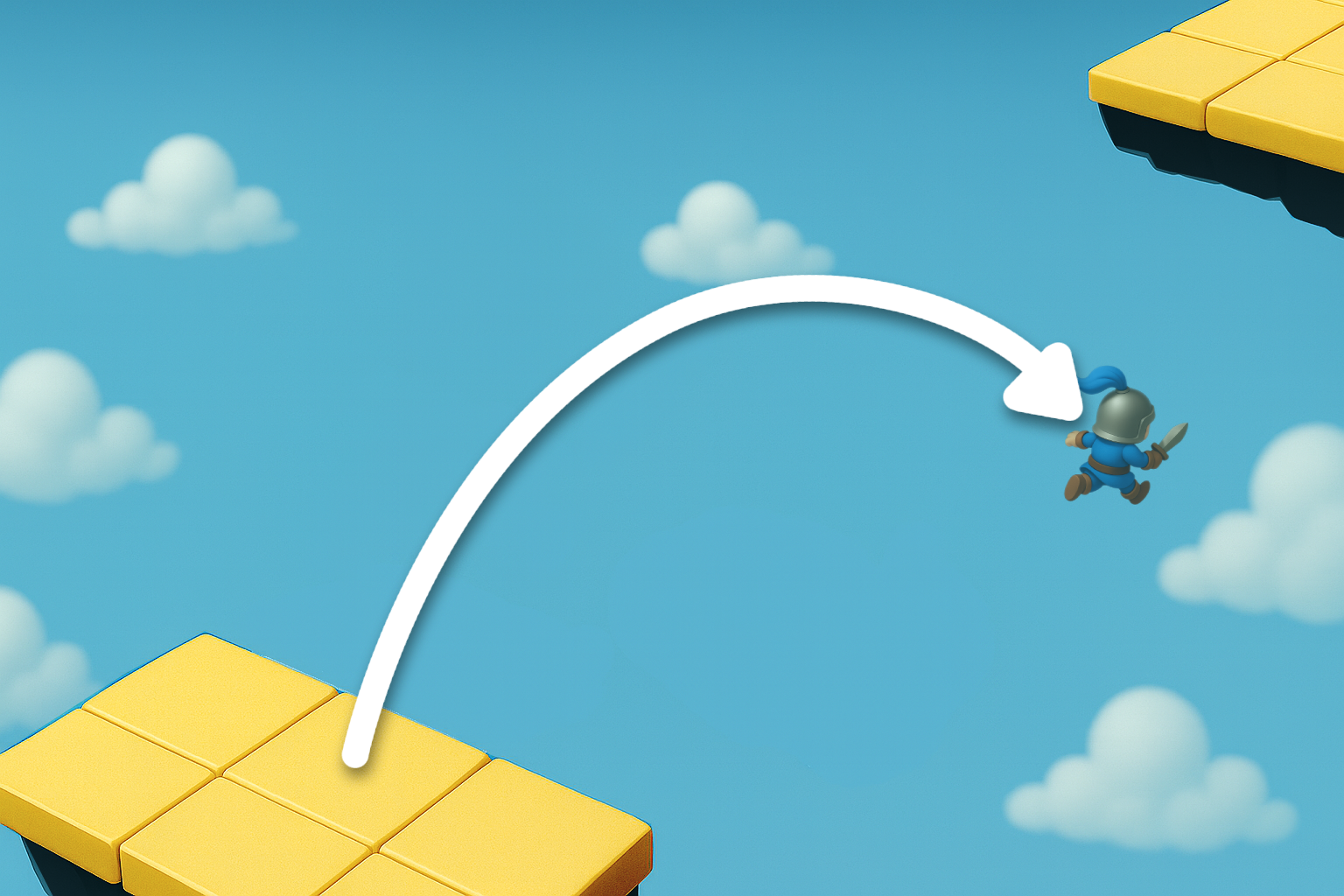
Jumping to terrain that is too far to reach with a normal jump
Terrain Beyond Reach (Height)
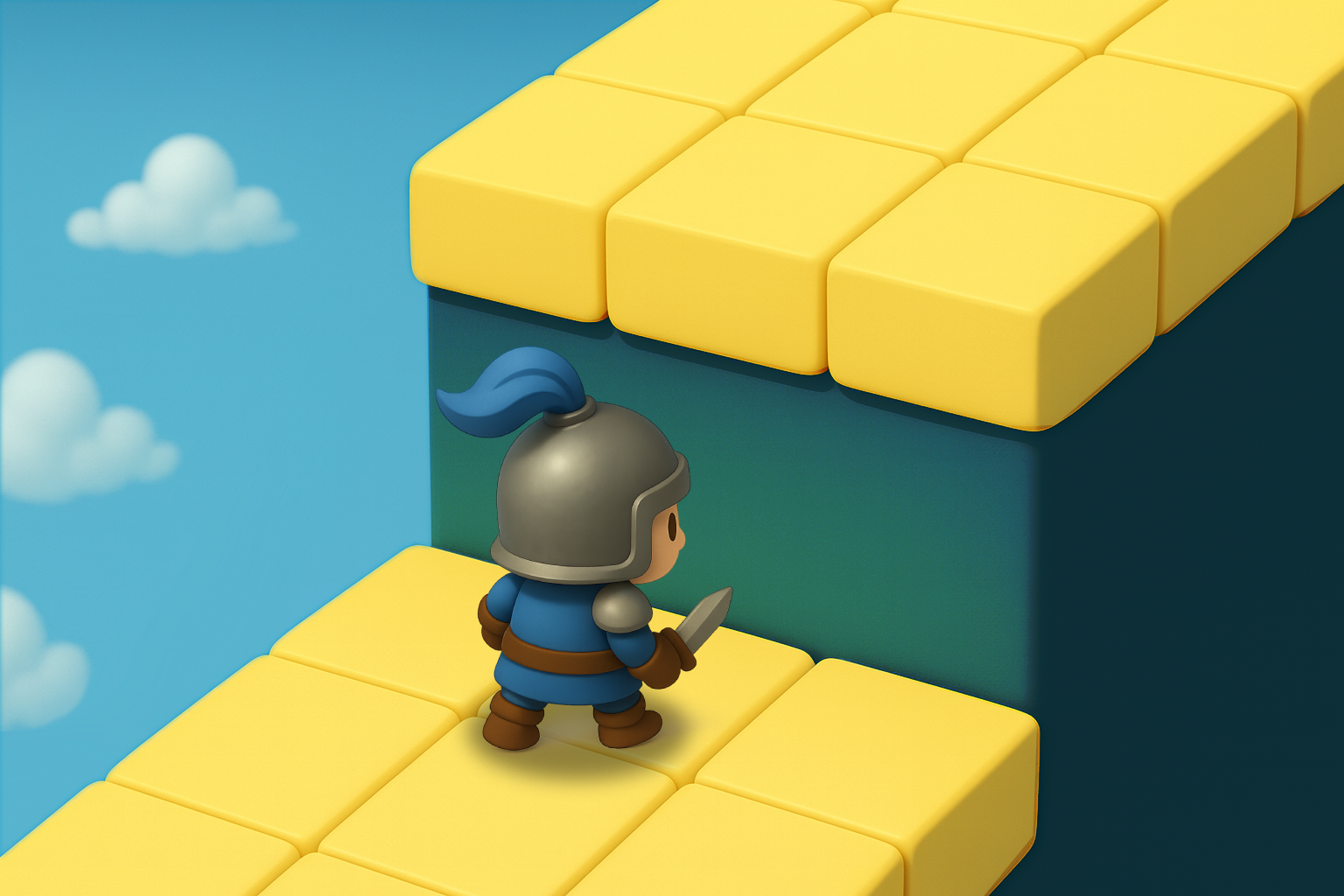
Climbing terrain that is too high to reach with a normal jump
Ways to Jump Across to the Opposite Side
Residual Collision (Invisible Floor)
A leftover, textureless platform may remain due to developer oversight
Reaching via Damage Knockback
While jumping, the player is blown away by a bomb or enemy attack and crosses to the other side due to knockback
Using a Jump Immediately After Dismounting
During a fall, dismounting from a vehicle and jumping immediately after allows crossing to the opposite side
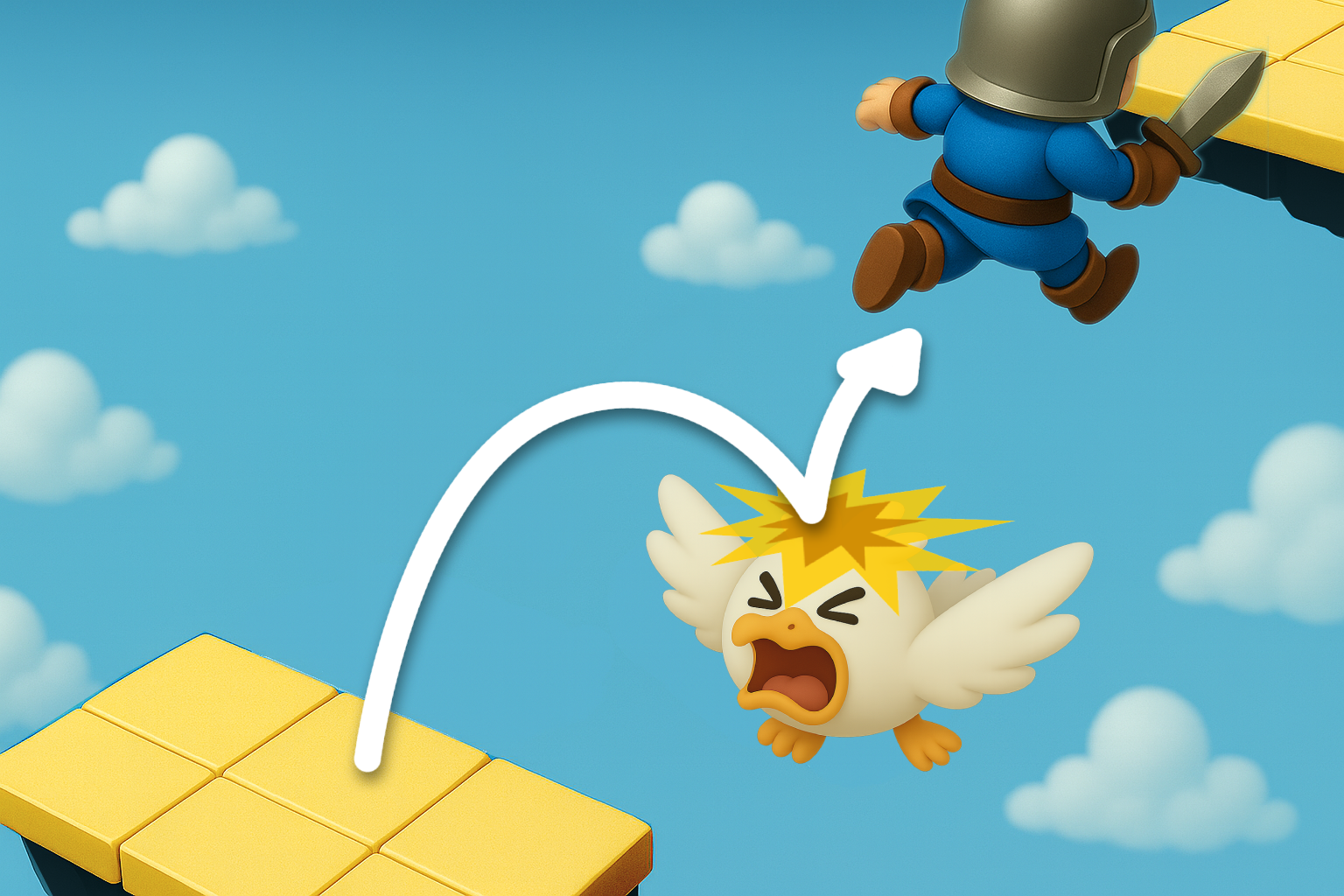
Using an Enemy as a Platform
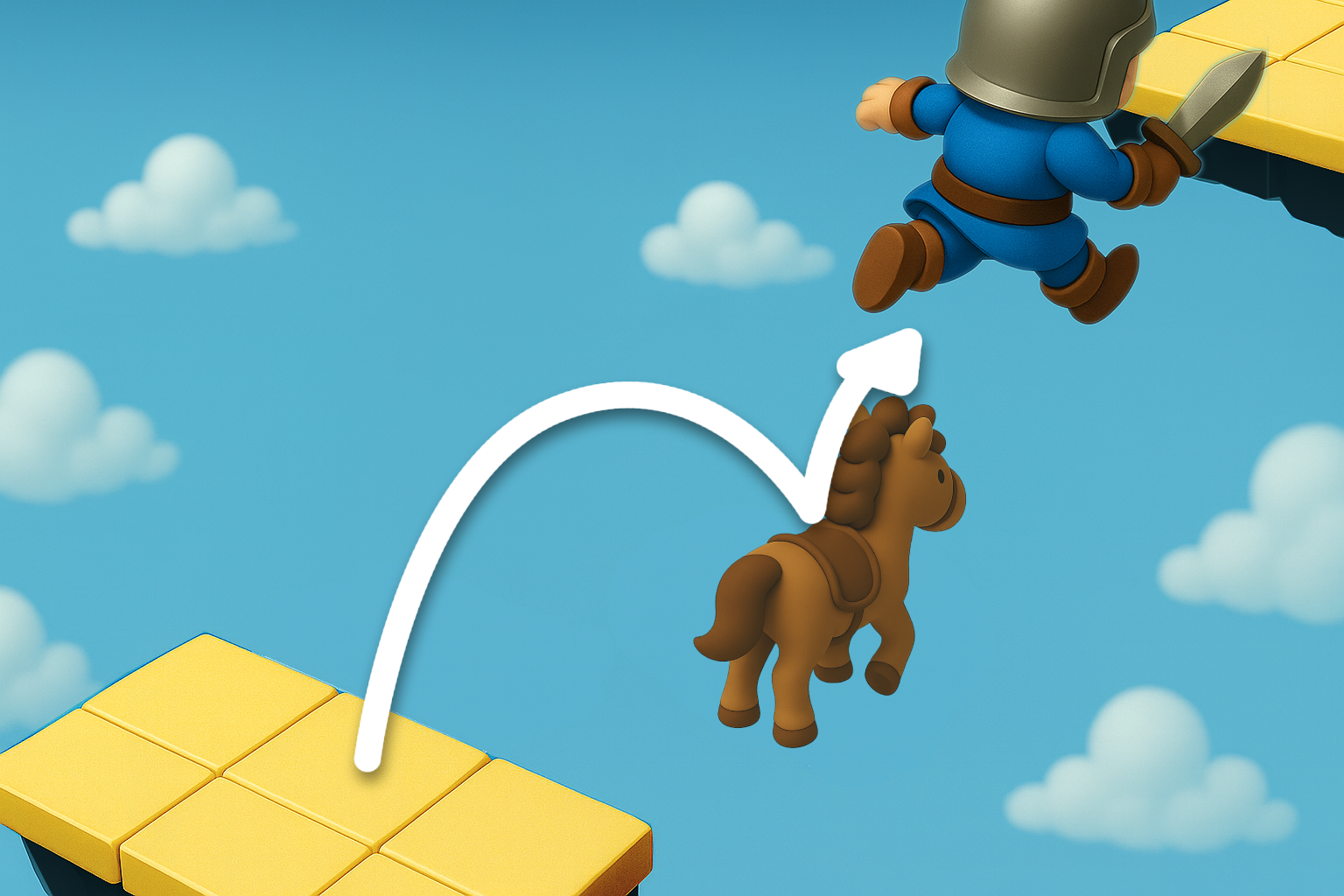
Lure an enemy within the same area and use it as a stepping stone to cross to the opposite side
Crossing to the Opposite Side Using “Restart”
Using Respawn
If the player keeps moving toward the opposite side while falling, the respawn point may appear across the gap
Using Save & Load
Saving at the cliff edge and then loading may cause the restart position to be on the opposite side
Ways to Climb to High Terrain
Using Objects as a Stepping Platform
Lure nearby objects or NPCs within the same area and use them as platforms to climb up
Reaching via Explosion Knockback
Detonate a bomb while jumping and use the explosion’s knockback to reach a higher place
🧩 Passing Through a Locked Door
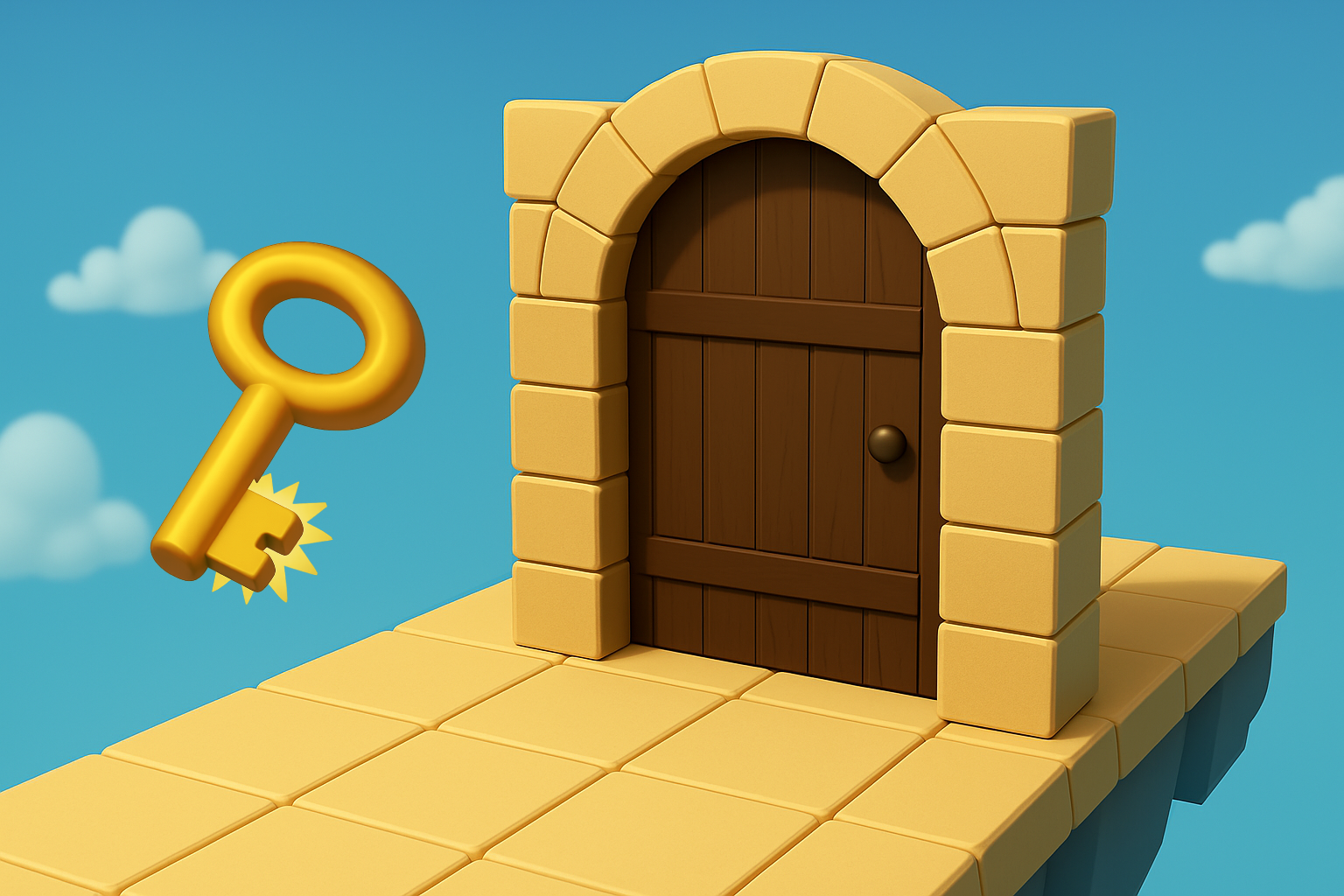
Doors That Open When Conditions Are Met
Requires Item
A door that opens when the player possesses a key
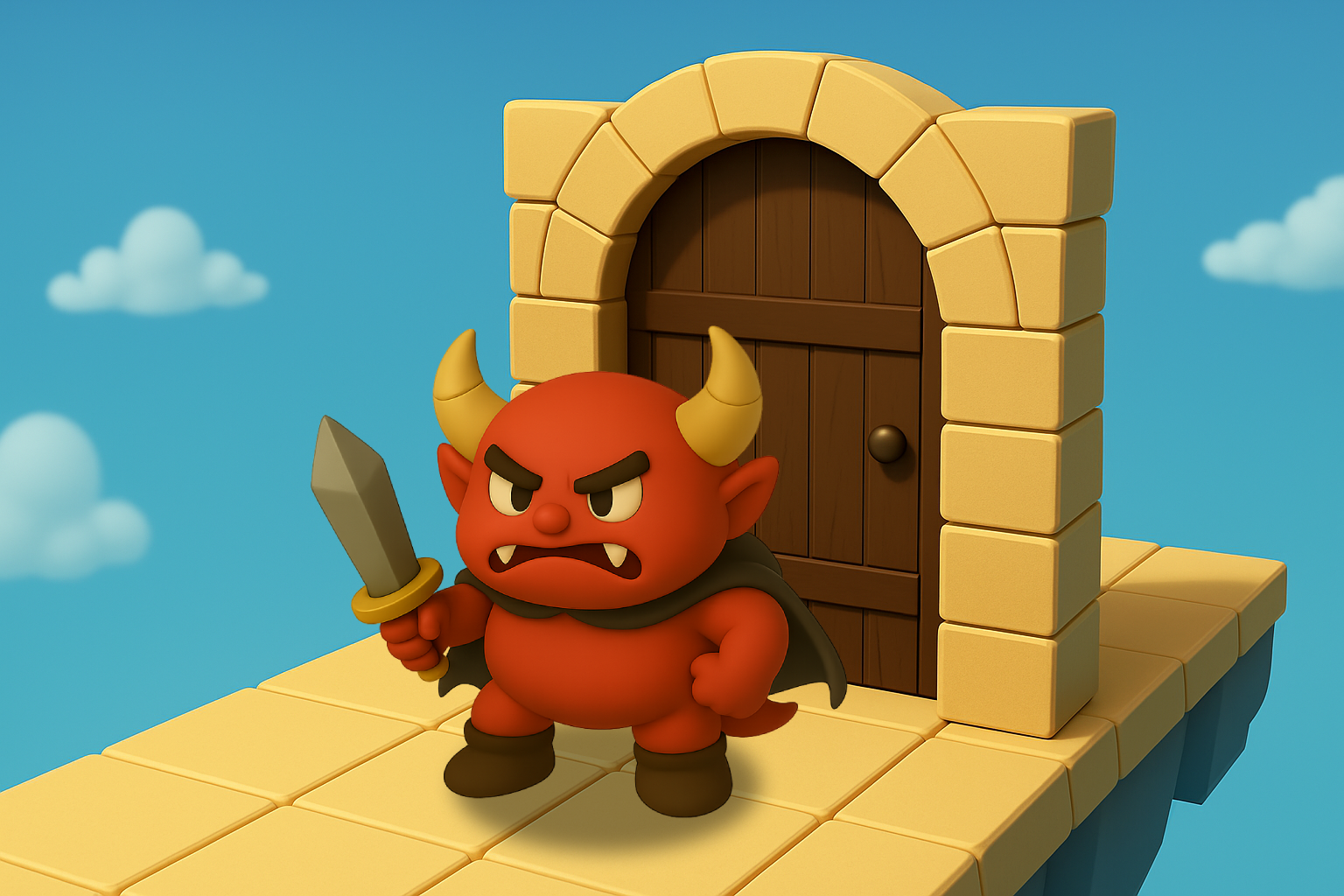
Requires Event Clear
A door that opens after defeating the boss
How to Pass Through a Door Using a “Clipping” Bug
Passing Through by Repeated Collision
Continuously tackling the corner or thin part of a door
may cause collision miscalculations, allowing the player to pass through
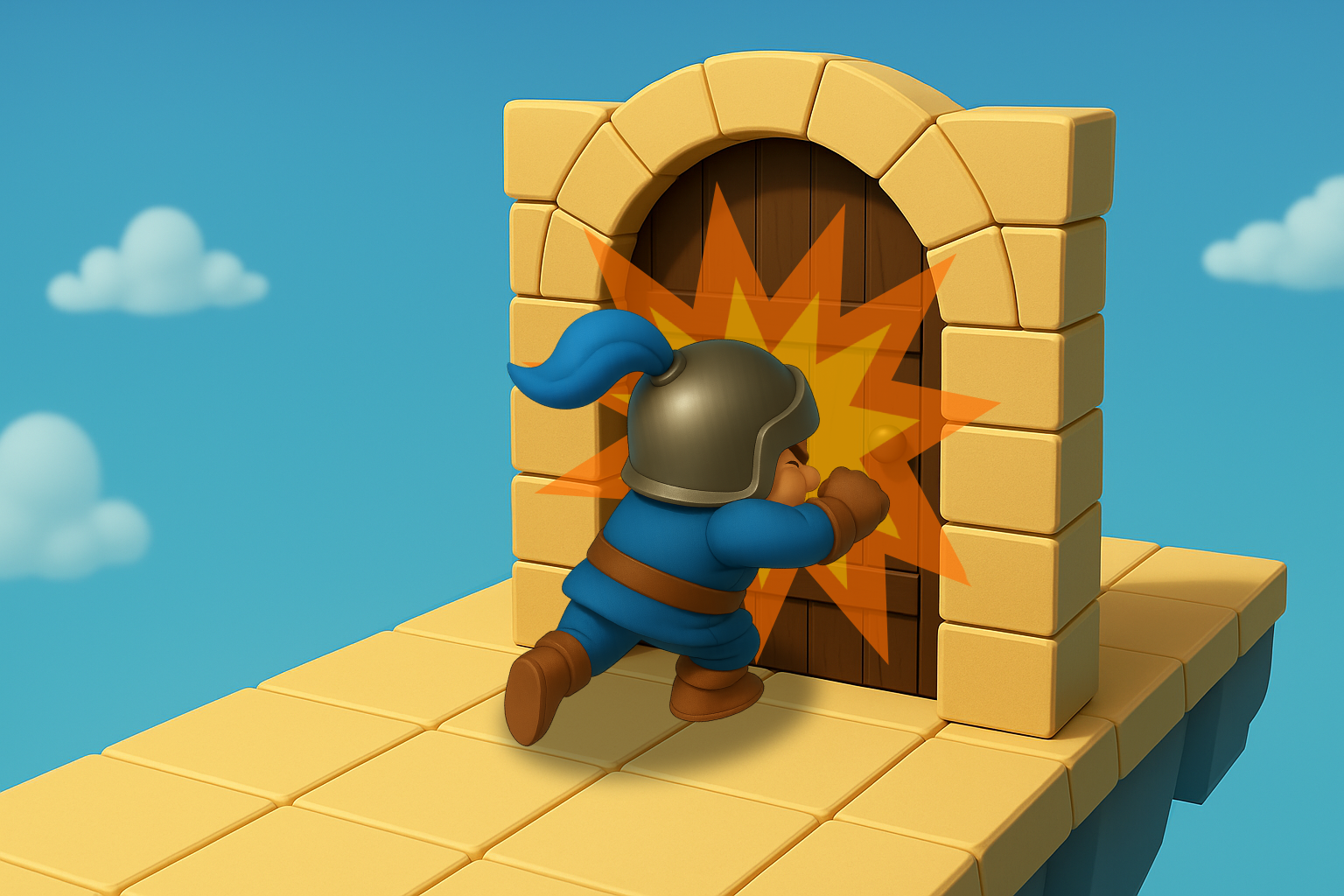
Passing Through at Excessive Speed
Tackling the door at maximum speed
can cause the movement per frame to exceed limits, allowing passage through the door
Passing Through via Collision Glitch
Creating a narrow gap near the door and entering it may cause multiple collision calculations to overlap,
resulting in an error that allows passage through the door
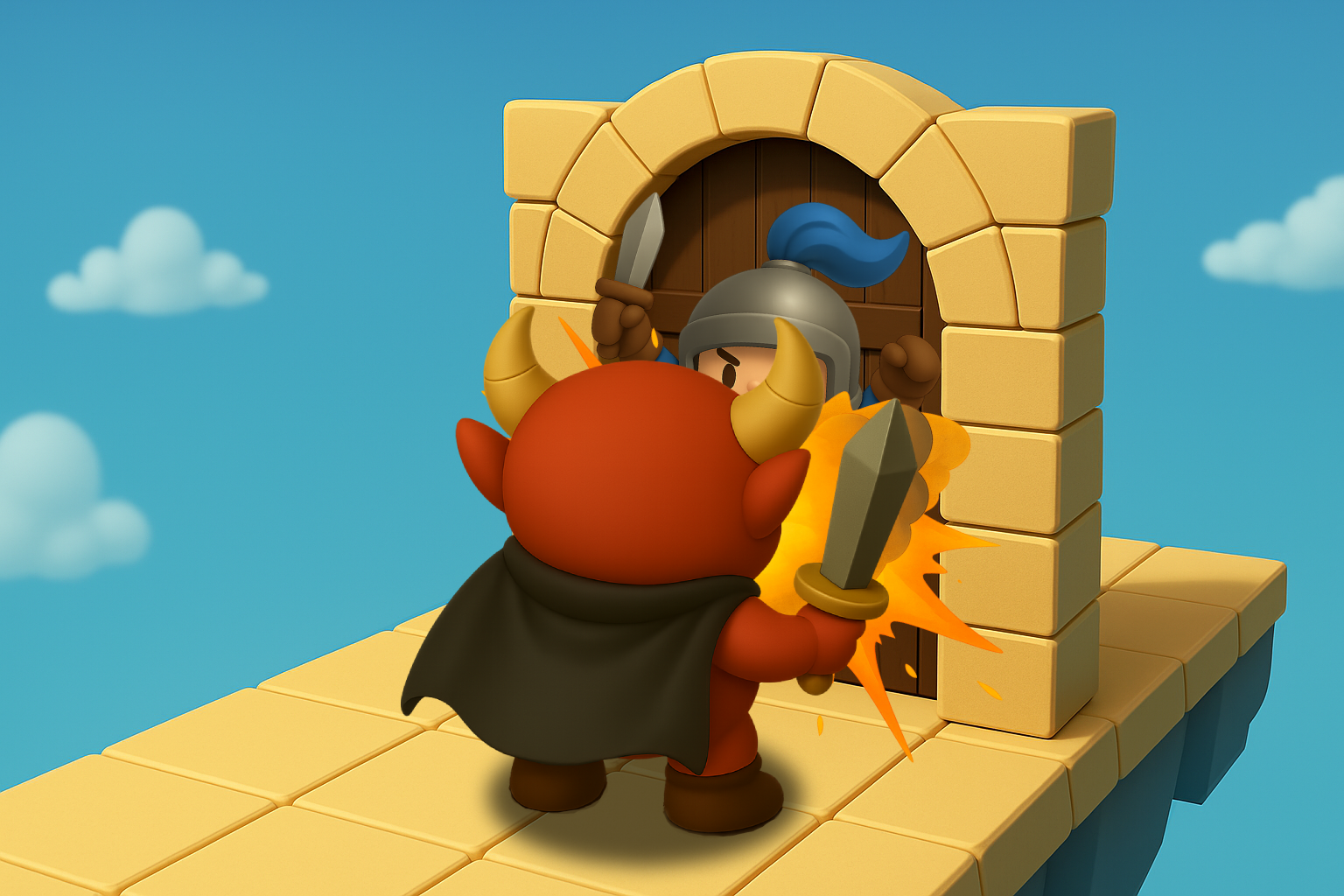
Passing Through by Damage Knockback
When the player is pressed against the door and takes an enemy attack,
the damage animation may cause them to pass through the door
How to Proceed While Avoiding the Door Itself
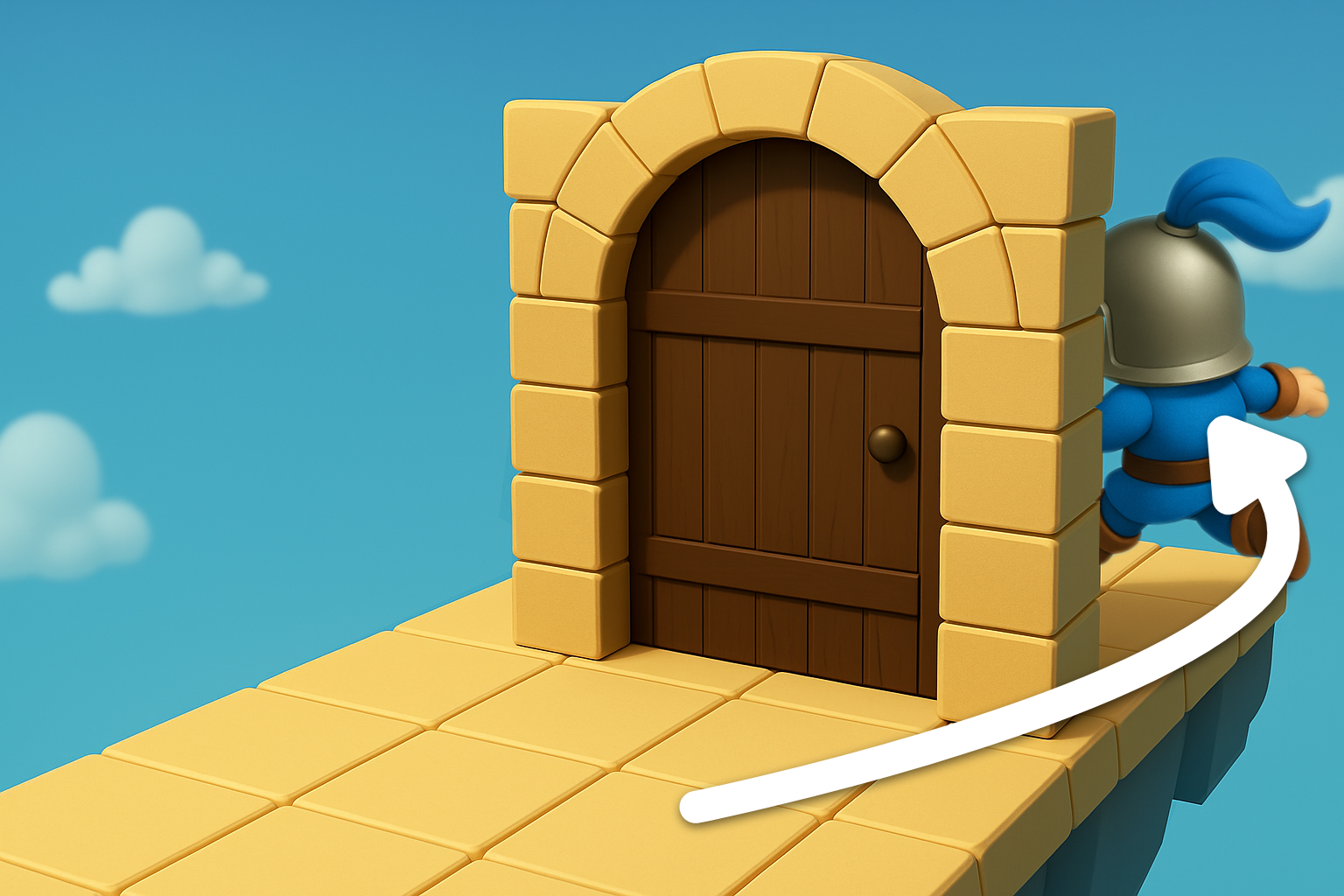
Passing from the Side
Jump around from the side to enter the area beyond the door
Passing from Above
Glide down from a high place to enter the area beyond the door
Other Methods
Passing Before the Door Appears
By exploiting loading delay, the player may pass through before the door is rendered